
To maintain and enhance your website’s SEO performance, continuous optimization and strategic improvements are crucial. Here’s how you can keep your site ranking high and delivering great user experiences:
Content Optimization
Regularly updating and improving your content ensures it remains relevant, engaging, and aligned with search intent.
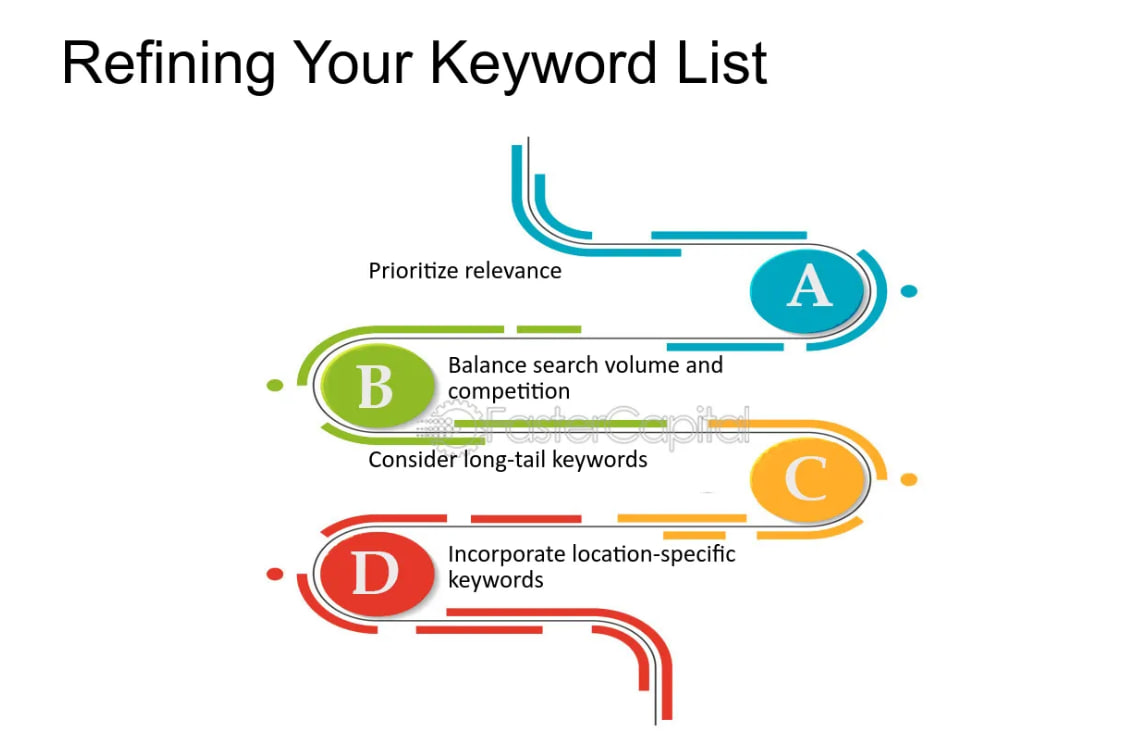
Keyword Refinement
Analyze search trends and update content with high-performing, relevant keywords.
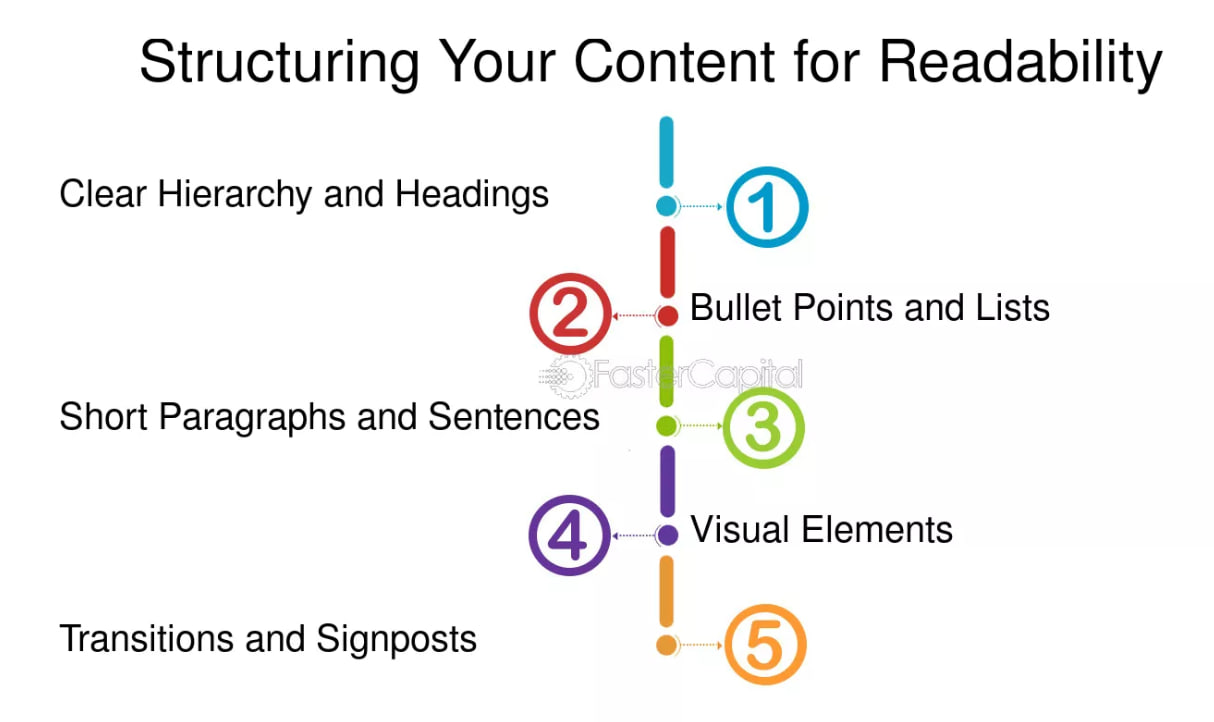
Readability & Structure
Use short paragraphs, bullet points, and headings to improve user experience.
Content Enrichment
Add visuals, infographics, videos, and updated data to enhance engagement.
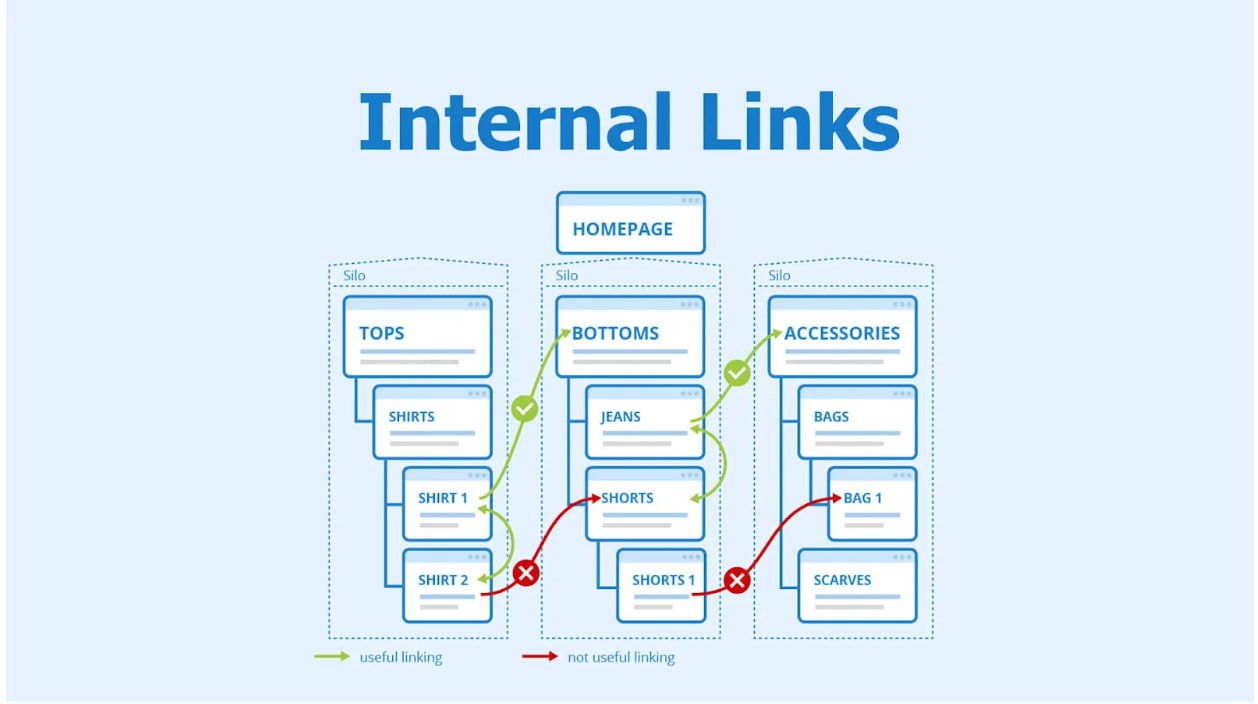
Internal Linking
Improve content discoverability by linking to related posts within your site.
Example: If a blog post on “SEO Best Practices” is outdated, update it with the latest algorithm changes and case studies.
Technical SEO Fixes
Technical SEO ensures your website is properly optimized for search engines to crawl, index, and rank effectively. Common issues include indexing errors, slow site speed, broken links, and duplicate content, which can negatively impact rankings.

Fix Broken Links
Remove or replace outdated internal and external links.
Improve Site Speed
Compress images, enable caching, and minimize code for faster loading times.
Optimize Mobile Responsiveness
Ensure your site is fully functional and visually appealing on all devices.
Fix Indexing Issues
Use Google Search Console to identify and resolve crawl errors.
Example: A slow-loading webpage might lose rankings; optimizing images and scripts can improve performance.
How to fix the indexing problem?
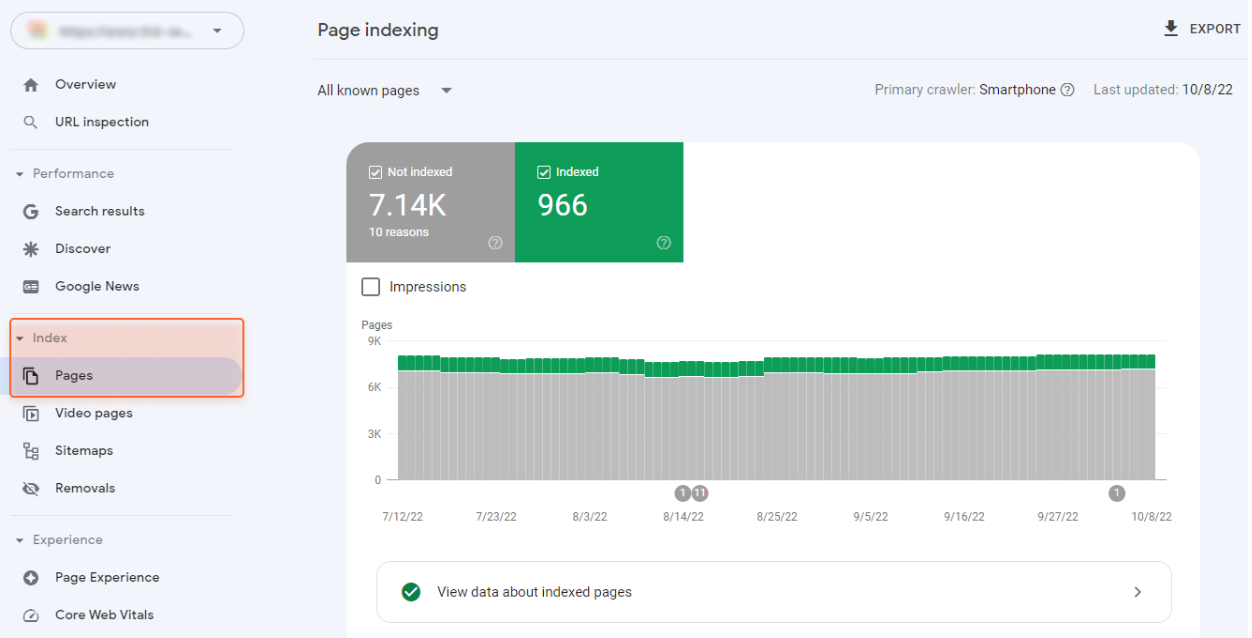
Check Indexing Status in Google Search Console
- Go to Google Search Console (GSC) → “Pages” Report under “Indexing.”
- Identify “Not Indexed” pages and check the reason (e.g., Crawled – currently not indexed, Discovered – currently not indexed, Excluded by ‘noindex’ tag).
Possible issue why or URL not indexing
Duplicate Content / Canonical Issues
Issue: Google sees multiple versions of a page and chooses not to index some. Fix: Avoid unnecessary similar content on different URLs.
Mobile Usability Issues
Issue: Google doesn’t index pages that are not mobile-friendly. Fix: * Use responsive design (test on Google’s Mobile-Friendly Test tool). * Fix broken elements, such as buttons that don’t work on mobile.
Backlink Building
Acquiring high-quality backlinks from authoritative websites boosts your domain authority and improves rankings.
Guest Posting
Contribute valuable content to industry-related websites in exchange for backlinks.
Outreach Campaigns
Contact bloggers, influencers, and webmasters to request relevant backlinks.
Broken Link Building
Identify broken links on other sites and offer your content as a replacement.
Create Shareable Content
Publish unique research, infographics, or case studies that attract backlinks.

Example: If a high-authority website links to your competitor, reach out and offer them better, updated content.
User Experience (UX) Enhancement
A seamless, user-friendly experience keeps visitors engaged and reduces bounce rates, which signals quality to search engines.
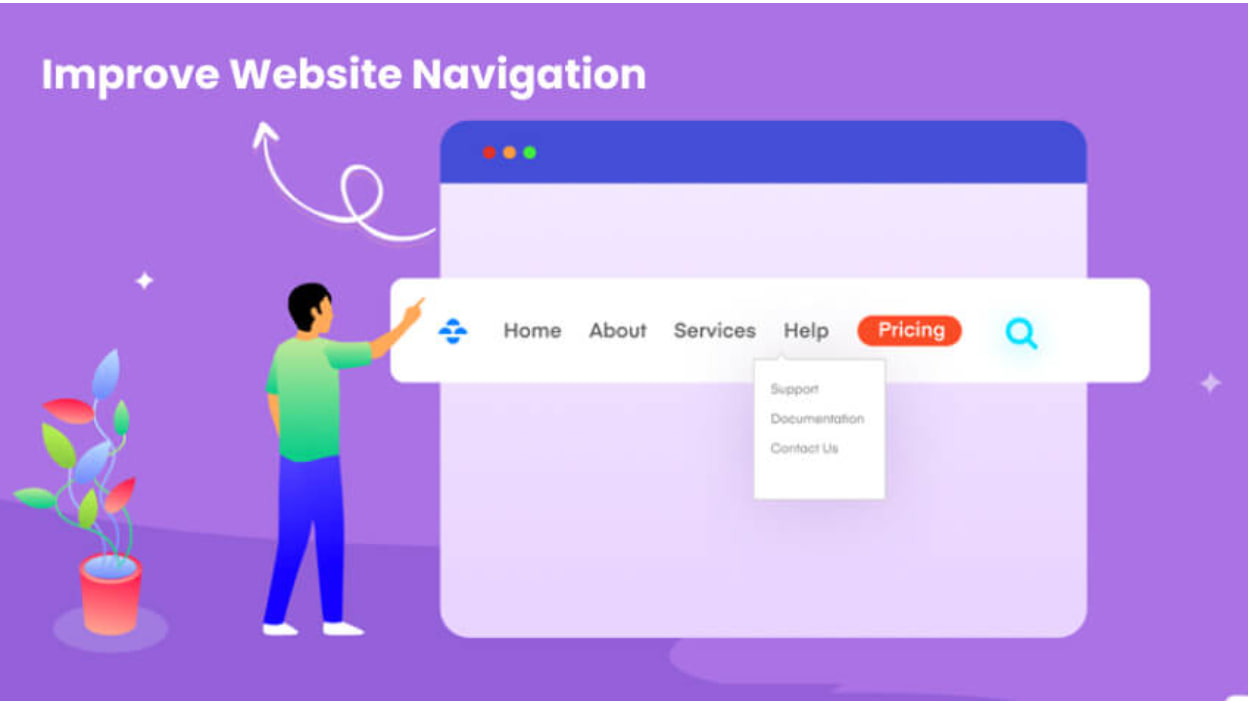
Improve Navigation
Simplify menus and site structure for easy browsing.
Enhance Readability
Use clear fonts, adequate spacing, and contrast for better readability.
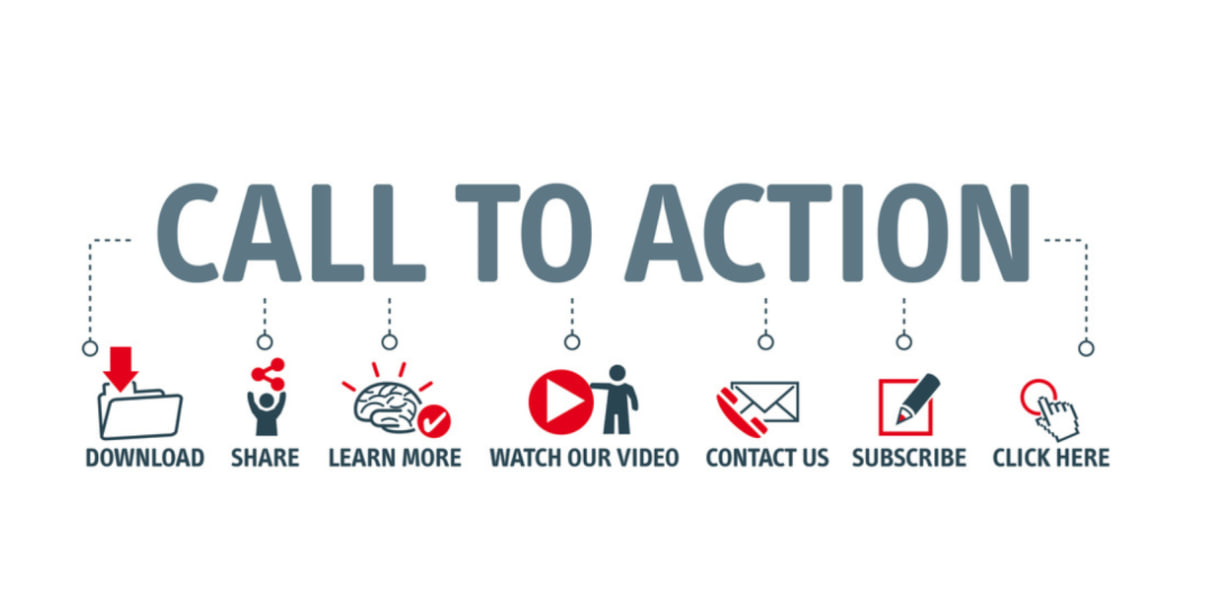
Optimize Call-to-Action (CTA)
Ensure CTAs are compelling, visible, and lead to conversions.
Monitor Engagement Metrics
Track time-on-page, bounce rate, and interactions to refine the experience.
Example: If users frequently leave your website without engaging, improve CTA placements and page design.