
Local SEO: Optimizing for Local Search
What is Local SEO?
Local SEO (Local Search Engine Optimization) is the process of optimizing a business’s online presence to improve visibility in local search results on Google and other search engines. It helps businesses attract nearby customers searching for services or products.
Local SEO focuses specifically on searches with local intent, such as “restaurants near me” or “plumber in [city name],” and aims to position your business prominently in these results.
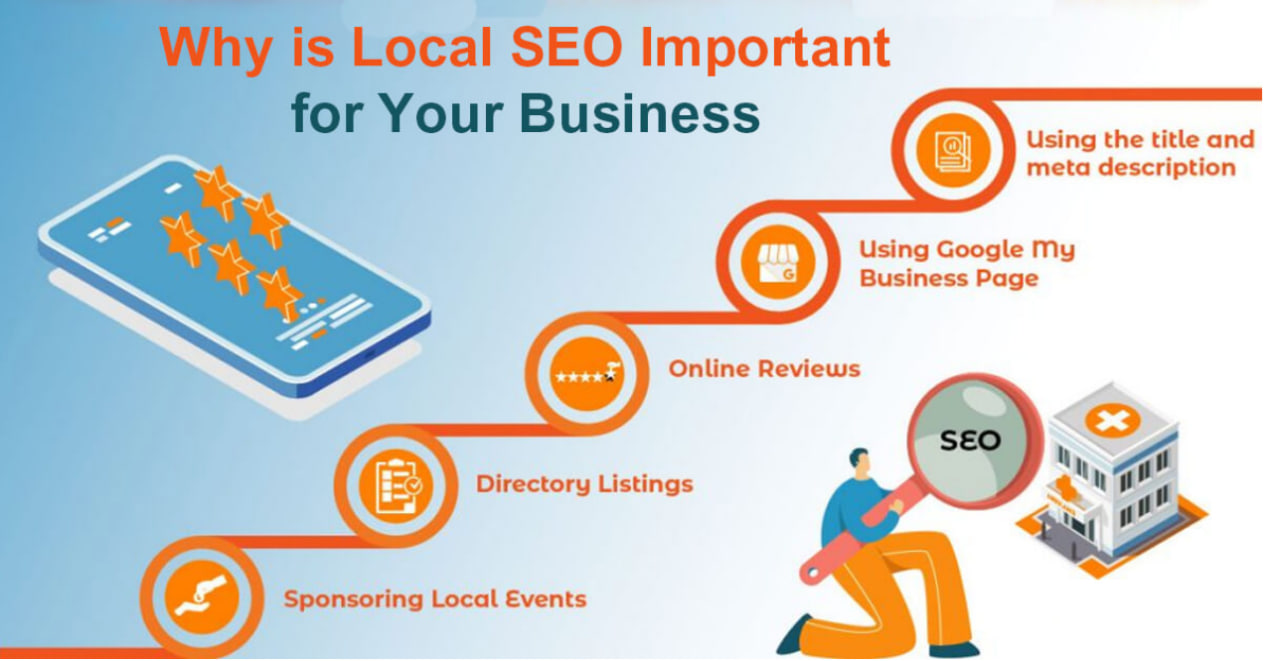
Why is Local SEO Important?
Higher Visibility in Local Searches
- Helps businesses appear in Google’s “Local Pack” (the top 3 business listings in local searches)
- Increases chances of appearing in Google Maps results
- Enhances prominence in “near me” searches
Increased Foot Traffic & Sales
- 46% of all Google searches have local intent (e.g., “coffee shop near me”)
- Local searches often have higher conversion rates
- Many local searchers visit a store within 24 hours of their search
Boosts Trust & Credibility
- Positive Google reviews improve reputation and encourage conversions
- Complete business listings with accurate information build customer confidence
- Photos and virtual tours help customers feel familiar with your business before visiting
Better Mobile Search Performance
- Since most local searches happen on mobile devices, local SEO ensures your business is found
- Location-based mobile searches are growing year over year
- Mobile users often make quick decisions based on local search results
How to Set Up Google Business Profile (Formerly Google My Business)
Google Business Profile is the cornerstone of effective Local SEO. Here’s how to create and optimize your profile:
Method 1: Direct Setup
- Sign in to a Google account
- Go to Google Business Profile
- Enter your business name
- Choose a business category
- Add your business address
- Add your phone number and website
- Verify your listing (usually via mail, phone, or email)
Method 2: Maps Setup
- Open Google Maps
- Search for your business name
- Click the business name
- Click “Claim this business”
- Select a verification option
You can manage your profile through the Google Business Profile Manager or at google.com/business.
Optimization Tips for Google Business Profile
To improve your local ranking, you should:
- Verify your business locations
- Update your business hours (especially during holidays)
- Respond to reviews (both positive and negative)
- Add high-quality photos to your profile
To qualify for a Business Profile, your business must make in-person contact with customers during its stated hours
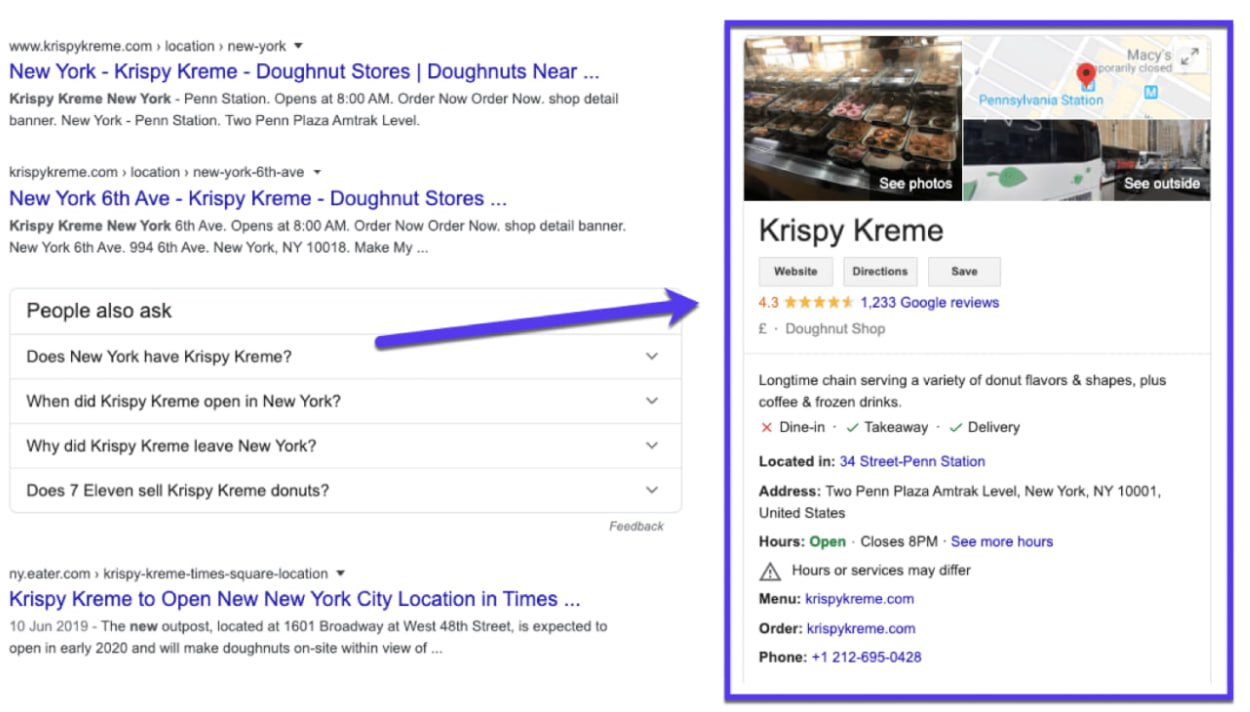
Example of Google Business Profile:
You can also watch this video to learn how to set up a Google Business Profile:
Why?
- If you heavily optimize a site now and later change its purpose, branding, or content, search engines may take time to re-crawl and re-rank the new version
- If your current SEO efforts are linked to a different industry or niche, switching later could confuse search engines, affecting rankings